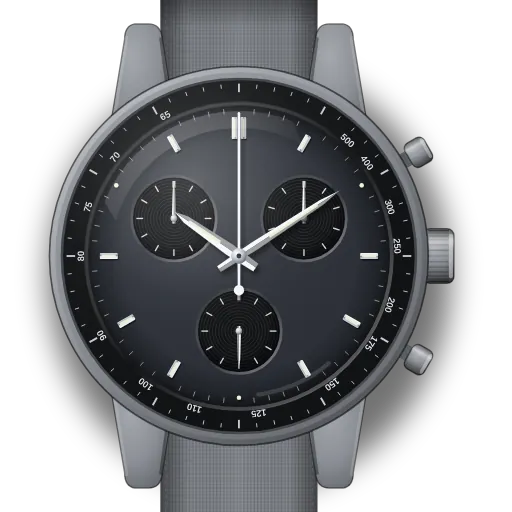
MoonSwatch
How to set up a Moonshine Gold MoonSwatch
· movement: Swatch quartz chronograph
Partial Time Chronograph Tachymeter
Short answer: If your Moonshine Gold MoonSwatch has the planet-model layout (1/10 s counter at 2, no moon disc), set it up like the Mission to Mercury: time at crown C, chrono re-alignment at B and C. If it has a moon or Earth disc, use the Moonphase or Earthphase Moonshine Gold guide instead.
Same layout as the planet editions. If your dial differs, check its leaflet.
Moonshine Gold editions (Mission to the Moon / Sun / Mars…) at a glance
| What it is | Limited-sale MoonSwatch versions with a detail in Omega's Moonshine Gold alloy |
|---|---|
| How to tell | Look at 2 o'clock: a 1/10 s counter means the planet guide, a moon picture means a Moonphase or Earthphase guide |
What is different about this model
Swatch has not published a separate manual for these editions, so we only confirm the layout check above. If your watch behaves differently, the leaflet in its box takes precedence.
Set-up steps
This watch is set up the same as the MoonSwatch Mission to Mercury. The full written steps are on that guide:
Prefer pictures? The interactive guide draws this exact watch, button by button.Open the interactive guide →